ARXEN · SURF Collection

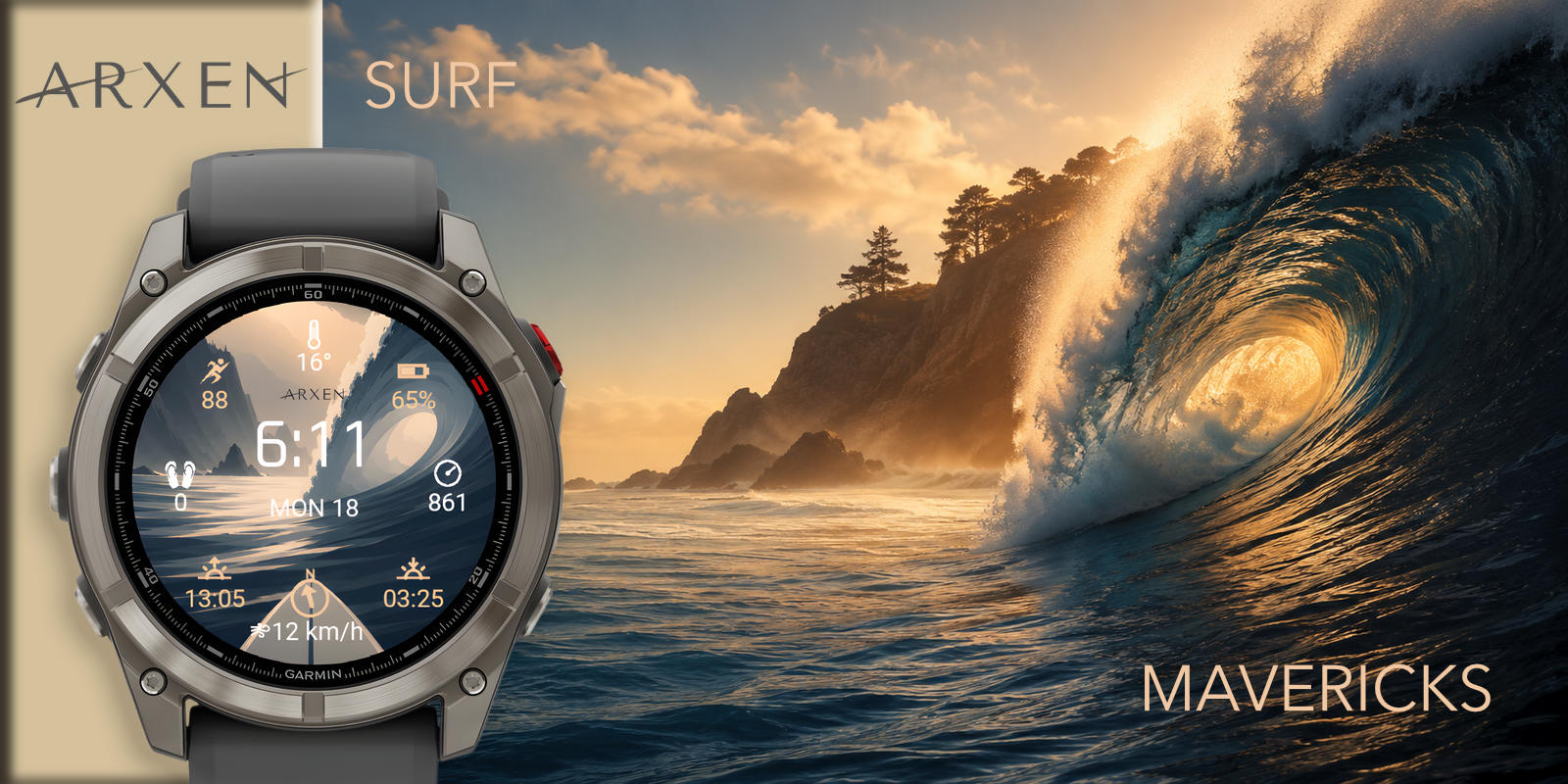
Garmin Surf Watch Face with Secondary Time Zone

MAVERICKS. Chase the wave.

MAVERICKS surf Watch Face for Garmin

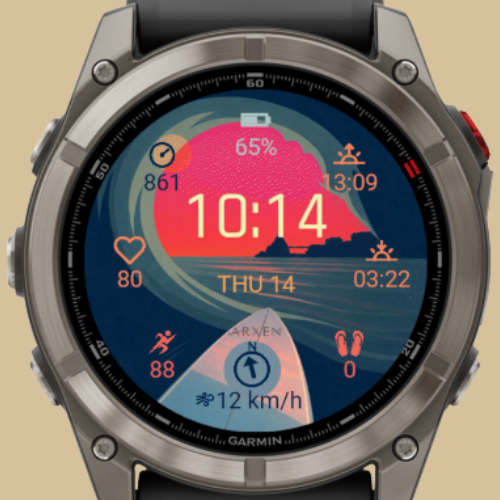
Some waves move you across time zones. MAVERICKS holds two: where you are, and where the swell calls. Wind always present, second hour always within reach.

A Watch Face for the surfer who travels for the break.

The bold surf Watch Face with a second time zone.

Get MAVERICKS · $5.99 on Connect IQ

See MAVERICKS on your Garmin

14 selected models · pick yours · awake, sleep or auto mode.

Your model

Garmin watch frame MAVERICKS surf Watch Face for Garmin · awake mode
Buy on Connect IQ · $5.99 Opens in Garmin Connect IQ Store · secure payment via Garmin One-time purchase · works on 41 Garmin models · lifetime updates

What MAVERICKS shows on your watch

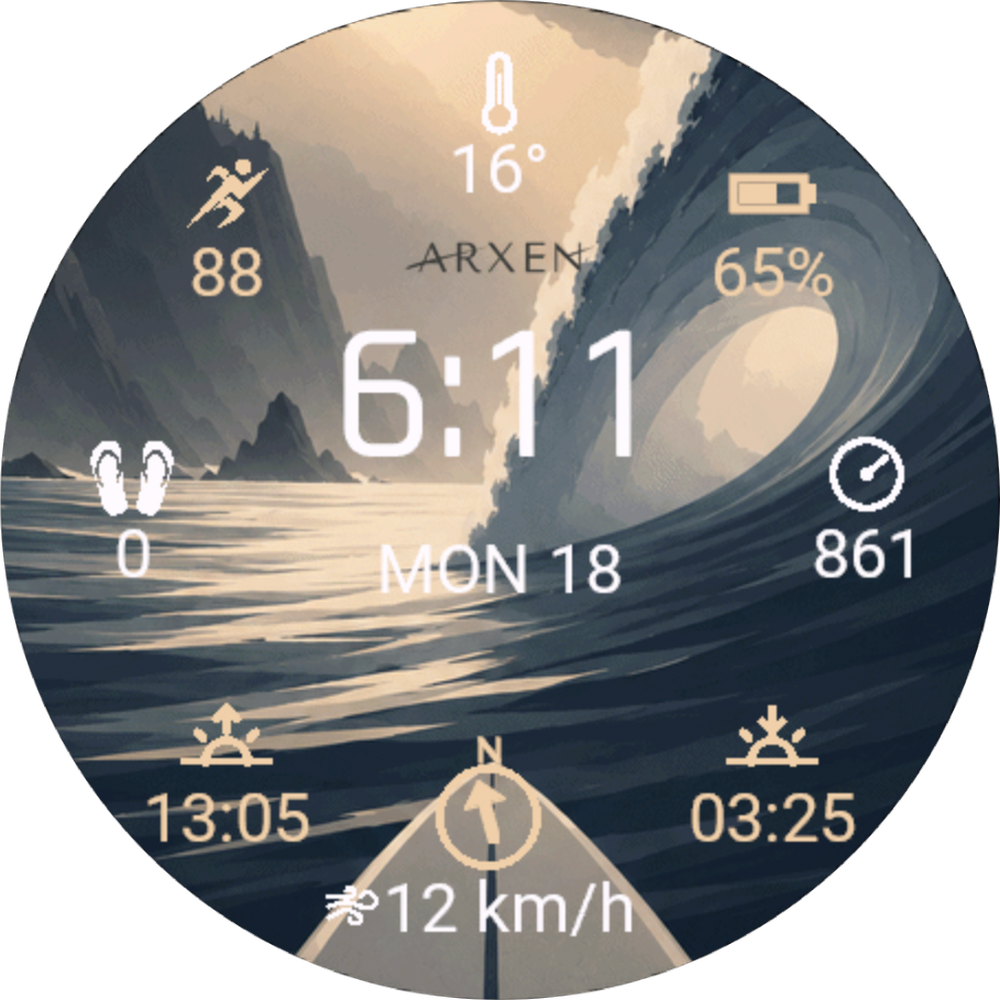
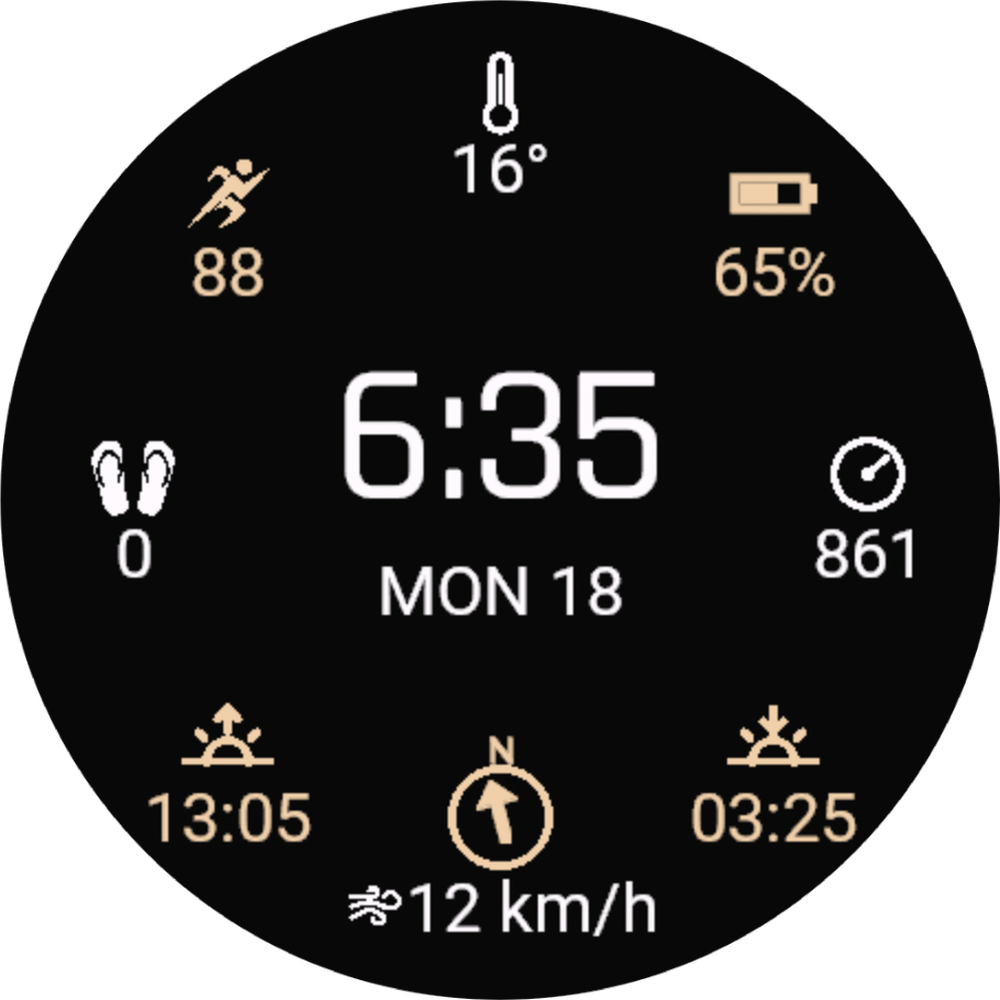
Wind direction is always on the southern slot. A secondary time zone is configurable from -12 to +14 hours. Seven more slots are yours to fill.

Always on

  • Wind direction Fixed south slot · compass arc on AMOLED · icon on MIP

Configurable slots · pick 7 of 13

  • Heart rate
  • Body battery
  • Stress
  • Steps
  • Distance
  • Battery
  • Notifications
  • Temperature
  • Pressure
  • Sunrise
  • Sunset
  • Time secondary
  • Seconds

Configure each slot (N, NE, E, SE, SW, W, NW) from Garmin Connect on your phone, or from the watch itself.

Secondary time zone · -12 to +14 hours

Set offset in Garmin Connect Date format: Short · Medium · Long

AMOLED-ready · AOD optimized

When the watch rests, MAVERICKS keeps a power-optimized layout visible. The deep ocean palette stays readable on AMOLED and MIP Garmin screens without draining the battery.

More from the SURF Collection

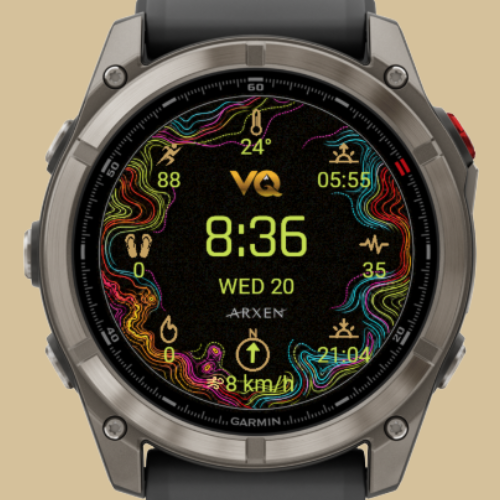
Two more takes on surf inside ARXEN. Same craft, different mood.

Built for fēnix 8, Forerunner 970 and 39 more Garmin models

MAVERICKS runs natively on Garmin's premium AMOLED line and on the MIP family. The deep ocean palette takes advantage of AMOLED contrast on fēnix 8, Forerunner 970 and Venu 3, and remains readable on solar and MIP screens.

ModelDisplaySlug
fēnix® 8 47 mmAMOLED 454fenix847mm
fēnix® 8 Pro 47 mmAMOLED 454fenix8pro47mm
fēnix® 8 43 mmAMOLED 416fenix843mm
epix™ Pro 51 mmAMOLED 454epix2pro51mm
epix™ Pro 47 mmAMOLED 416epix2pro47mm
epix™ Pro 42 mmAMOLED 390epix2pro42mm
D2™ Mach 2AMOLED 454d2mach2
Forerunner® 970AMOLED 454fr970
Forerunner® 965AMOLED 454fr965
Forerunner® 570 47 mmAMOLED 454fr57047mm
Forerunner® 570 42 mmAMOLED 390fr57042mm
Venu® 3AMOLED 454venu3
Venu® 3SAMOLED 390venu3s
Venu® 4 45 mmAMOLED 454venu445mm

Plus 27 more models from the fēnix 7, fēnix E, MARQ, Forerunner 1xx-2xx-9xx, Venu X1, Vivoactive and Enduro families. See the full list in Connect IQ.

Frequently asked questions

Is MAVERICKS a free Garmin Watch Face?

No. MAVERICKS is a premium Watch Face: $5.99 one-time purchase on Connect IQ. It belongs to the ARXEN SURF Collection.

What is MAVERICKS best for?

MAVERICKS is the bold surf Watch Face for Garmin with a secondary time zone for travelers. Wind direction always visible, fits fēnix 8, Forerunner 970, Venu 3 and 38 more models.

Does MAVERICKS show wind data?

Yes. Wind direction is always visible on the southern slot, paired with the compass arc on AMOLED screens and a discrete icon on MIP screens. Wind comes from the Garmin SensorHistory permission, no external app needed.

Does MAVERICKS show a secondary time zone?

Yes. You configure a secondary time offset from -12 to +14 hours directly from Garmin Connect. Useful for travelers who keep an eye on home time or destination time while watching the swell.

Does it work on Garmin Instinct 2 Surf Edition?

Not in the current release. MAVERICKS is compatible with 41 AMOLED and MIP models including fēnix 8, Forerunner 970 and Venu 3. Instinct 2 Surf Edition is on the roadmap for a future update.

Can I customize MAVERICKS?

Yes. You configure 7 information slots around the dial from a pool of 13 fields (HR, body battery, sunrise, sunset, temperature, pressure and more), plus a secondary time zone from -12 to +14 hours. Wind direction stays fixed on the south slot. Date format has 3 options.

How is MAVERICKS different from BIARRITZ and Vida Quechua?

The three Watch Faces share the same surf precision and the same 41 model compatibility. MAVERICKS adds a configurable secondary time zone for travelers. BIARRITZ leans elegant European surf with the simplest setup. Vida Quechua adds 8 hour-color options for personalization.

Can I install MAVERICKS on more than one Garmin watch?

Yes. One purchase covers all the Garmin watches paired to your Connect IQ account. Install MAVERICKS on any compatible model you own.

Which Garmin watches support MAVERICKS?

41 models across the AMOLED and MIP families: fēnix 8 (43, 47, Pro 47, Solar 47, Solar 51), epix Pro (42, 47, 51), epix 2, D2 Mach 1 and 2, fēnix 7 family, fēnix E, MARQ Gen 2 (Athlete, Aviator), Forerunner 165, 255, 265, 570, 955, 965, 970, Venu 3, Venu 3S, Venu 4 (41, 45), Venu X1, Vivoactive 5, Vivoactive 6, Enduro 3.

How do I install MAVERICKS on my Garmin?

Tap "Buy on Connect IQ", complete payment via Garmin and the Watch Face installs automatically through Garmin Connect on your phone.